Secure Remote
Workforce
Whitepaper

Oops! Certain elements have to be filled out!

Secure Remote
Development
Whitepaper

Oops! Certain elements have to be filled out!

Secure Third-party
Access
Whitepaper

Oops! Certain elements have to be filled out!

Automate Workflows Without APIs or Infrastructure

Build and run Vision Agents that automate Windows and web applications securely through a browser. No APIs, MCP servers, or RPA stacks required.

The Challenge

AI Pilots Stall Before They Scale

Most enterprise applications were built for people, not automation. Without APIs, automation pilots stall and RPA tools struggle to keep up.

IT leaders are under pressure to “use AI” but often lack a secure, measurable way to show results. Running agents outside the enterprise perimeter introduces risk and delays time to value.

The Solution

Vision Agents Made Practical

Sonet.io makes Vision Agents practical for real-world enterprise use.

Agents operate inside a secure browser workspace that can interact with any application, including legacy Windows tools that do not support APIs. With Agent Studio, teams create workflows in plain English, test them safely, and deploy them instantly.

Every agent runs under Sonet’s zero trust framework with DLP, session recording, and audit-ready observability built in.

Build and Run Vision Agents in Plain English

  • Create agents that see and act on Windows, web, and legacy apps without APIs or RPA tools
  • Use Agent Studio to describe workflows in plain English, then test and deploy them securely in minutes
  • Launch automation pilots quickly and show measurable AI results without coding or infrastructure

Secure Workspace for People and Agents

  • Run users and Vision Agents together in Sonet.io’s hardened browser workspace
  • Enforce least-privilege access, restrict clipboard and downloads, and watermark sensitive sessions
  • Maintain full observability with searchable logs and exportable session data

Works with Your Existing Stack

  • Connect to your identity provider for SSO and role-based policies
  • Automate legacy Windows applications that lack APIs without modifying code or deploying RPA software
  • Manage both people and agents through one browser-based platform with no endpoint software, VDI, or VPNs
  • Reduce cost and complexity while strengthening enterprise security and compliance

Why It Matters

  • Works with your existing stack. Automate Windows and web apps without APIs or refactoring.
  • Fast path to AI success. Create and deploy Vision Agents in days, not months.
  • Security and compliance built in. Each agent session runs under Sonet’s zero trust policies.
  • Simplifies IT operations. Manage people and agents in one secure workspace.
  • Enables measurable outcomes. Show real ROI from your first AI pilot.

Secure Automation, Simplified

Vision Agents make automation achievable today.
Run secure, visible, and fully governed agents without changing your infrastructure or rewriting your applications.

From the Blog: Agentic AI

Explore how IT leaders are turning AI strategy into action with Vision Agents. Learn how agentic workflows deliver secure, measurable results across existing Windows and web applications without APIs or infrastructure.

A pharmacy technician and a pharmacist at a pharmacy management system screen in an independent pharmacy, reading a short printed log of skipped prescriptions with the reasons written beside each one, a second queue on the screen labeled for the next workflow.
After the Pilot: How to Know When Pharmacy Automation Is Ready for the Next Workflow
Your first automated workflow is running clean. How do you know when pharmacy automation is ready for the next one and which workflow comes next?
Read More
Three pharmacy management system screens side by side, each showing a differently arranged refill queue for a different pharmacy location, with one printed page of plain-English task rules lying across all three.
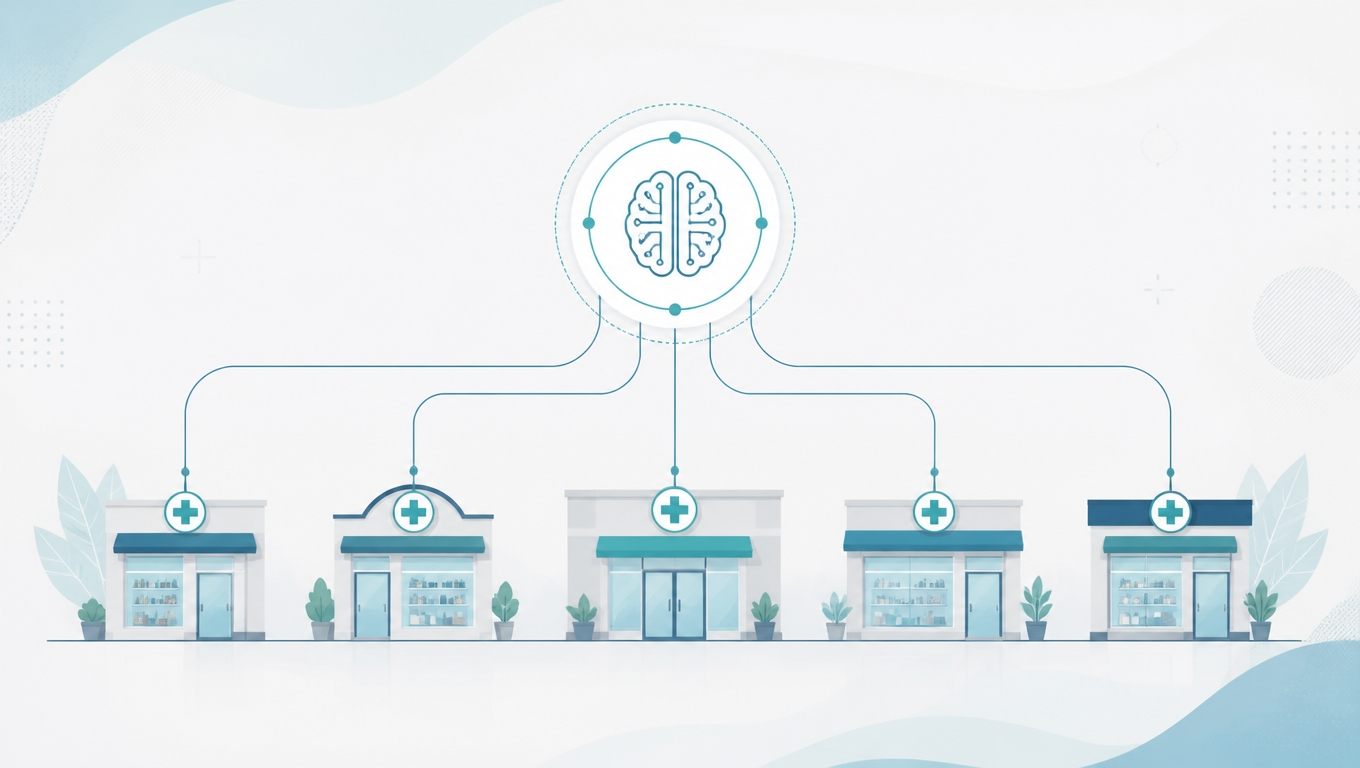
Pharmacy Automation Across Multiple Locations: What Should Be the Same at Every Site.
Does pharmacy automation run the same way at every location? Does every site have to? What should match across locations, and what should not.
Read More
A pharmacist, a technician, and a pharmacy owner standing at one pharmacy management system screen in an independent pharmacy, the technician pointing at a queue on the screen while the pharmacist holds a one-page printed set of instructions.
How Much Training Does Pharmacy Automation Take? Who on Your Team Learns What
How much training does pharmacy automation take, and who on your team has to learn it? The question owners ask before a pilot, answered role by role.
Read More

Schedule a Demo

Get a custom demo with our remote work access, security and visibility experts — and see Sonet.io in action.

Schedule a Time